Packer Tutorial: Learn Immutable Images from Scratch (2026)
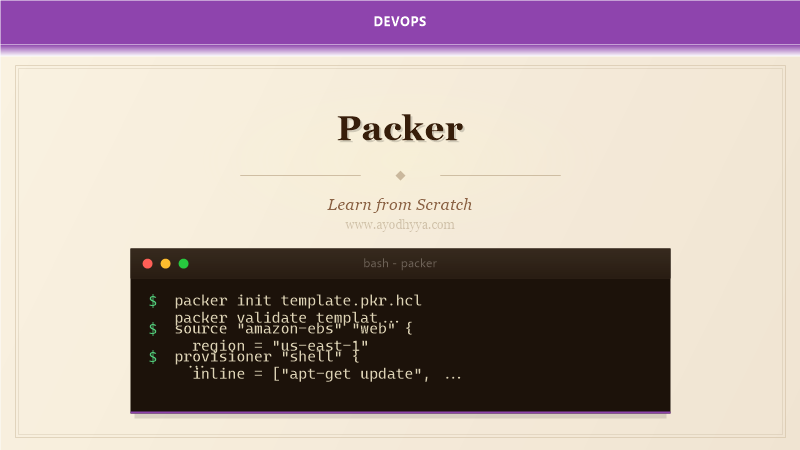
For years I managed servers by SSHing in and running apt-get install. Configuration drift was inevitable. Packer changed my approach by introducing immutable infrastructure: build a machine image once and deploy that identical image everywhere.
By the end of this tutorial, you will be able to create golden images for cloud and on-premises environments, integrate image building into CI/CD, and manage image versioning across multiple regions.
Packer Concepts and Template Structure
Packer templates use HCL or JSON. A template has builders (target platform), provisioners (customize the image), and post-processors (transform output). The build phase launches a temporary instance, runs provisioners, then creates an image and terminates the temp instance.
packer {
  required_plugins {
    amazon = {
      version = ">= 1.0.0"
      source  = "github.com/hashicorp/amazon"
    }
  }
}
Provisioners: Shell and Configuration Management
Provisioners customize the image. The shell provisioner runs scripts or inline commands. The Ansible provisioner runs playbooks against the temporary instance. The file provisioner uploads files. Order matters — install base packages first, then application dependencies.
build {
  sources = ["source.amazon-ebs.web"]
  provisioner "shell" {
    inline = ["apt-get update", "apt-get install -y nginx"]
  }
}
Building for Multiple Platforms
Packer's key advantage is building identical images for different platforms from the same template. I define multiple source blocks and a single build block that references all sources. Each platform requires its own credentials and source image configuration.
source "amazon-ebs" "web" { region = "us-east-1" }
source "azure-arm" "web" { location = "East US" }
build {
  sources = ["source.amazon-ebs.web", "source.azure-arm.web"]
}
Image Versioning and CI/CD Integration
I use timestamp tags in image names and store build metadata in a manifest. HCP Packer Registry tracks image versions and channel subscriptions. Terraform references HCP Packer images by channel for deployment.
post-processor "manifest" { output = "manifest.json" }
post-processor "hcp_packer_registry" {
  bucket_name = "myapp-images"
  labels = { version = var.app_version }
}
Security Hardening in Golden Images
Golden images are security foundations. I harden every image: remove SSH host keys, apply CIS benchmarks, install security agents, configure auditing, disable root SSH login, apply all security patches. No secrets should be baked into the image.
provisioner "shell" {
  inline = ["apt-get update && apt-get upgrade -y",
    "passwd -l root",
    "rm -f /etc/ssh/ssh_host_*"]
}
Advanced: Docker Images and Vagrant Boxes
The Docker builder uses the host Docker daemon to run containers and commit them as images. The Vagrant post-processor creates Vagrant boxes from any builder. Packer's ability to build multiple output formats from one configuration streamlines dev-to-production.
source "docker" "web" { image = "ubuntu:22.04" commit = true }
build {
  post-processor "docker-tag" { repository = "myapp/web" tags = ["latest"] }
}
Frequently Asked Questions
What is the difference between Packer and Docker?
Docker builds container images that share the host OS kernel. Packer builds full machine images (AMI, VHD, VMDK) that include the OS kernel and can run on bare metal or VMs.
How often should I rebuild golden images?
At minimum monthly to apply security patches. Many teams rebuild weekly or trigger builds when base images are updated. Automate with a weekly CI pipeline.
How do I test Packer images before deploying?
Capture image IDs via manifest, then run integration tests against a test instance. InSpec or Testinfra verify packages and settings. HCP Packer Registry supports channel promotion with gated approvals.
Can Packer build images for on-premises VMware?
Yes. The vsphere-iso builder creates VMware VM templates by automating OS installation with preseed files. The vsphere-clone builder clones existing VM templates.
Originally published on Ayodhyyya. Last updated June 1, 2026.