Power Apps Tutorial: Build Low-Code Apps from Scratch (2026)
When a business unit asked for a custom inventory tracking app, I initially planned a full-stack web app. Two weeks later, I had a working prototype in Power Apps built in two days. Power Apps has become my go-to for internal business applications where speed matters more than architectural purity.
Power Apps is Microsoft's low-code application development platform. Build custom apps for web, mobile, and Teams using a drag-and-drop designer, Excel-like formulas, and pre-built connectors. Canvas apps give pixel-perfect control; model-driven apps provide data-centric experiences on Dataverse.
Canvas Apps: Building the User Interface
Drag controls from the insert panel. Every control has formula-driven properties — like Excel. Galleries display lists of records. Navigate between screens with Navigate(). Variables store state: Set() for global, UpdateContext() for screen-level.
Label1.Text = Gallery1.Selected.CustomerName
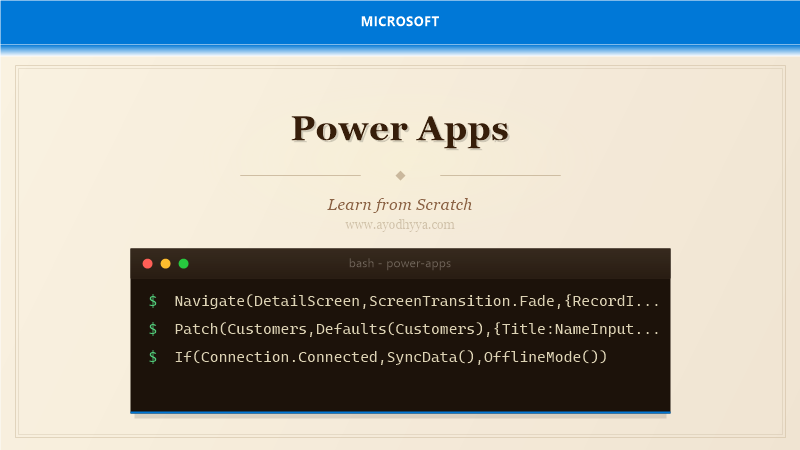
Navigate(DetailScreen,ScreenTransition.Fade,{RecordId:Gallery1.Selected.Id})
SortByColumns(Filter(Customers,StartsWith(Title,TextSearchBox1.Text)),"Created",Descending)
Connecting to Data Sources
Power Apps connects through the same connector library as Power Automate. SharePoint lists are most common. Patch() creates/updates records, Remove() deletes, Filter() retrieves. Delegation is critical for performance with large datasets.
Patch(Customers,Defaults(Customers),{Title:NameInput.Text,Email:EmailInput.Text})
ClearCollect(LocalCustomers,Filter(Customers,StatusDropdown.Selected.Value in Status))
Remove(Customers,Gallery1.Selected)
Model-Driven Apps and Dataverse
Model-driven apps generate responsive forms, views, and dashboards from Dataverse metadata. Configure forms, views, business process flows. Dataverse supports relationships, calculated fields, business rules, and security roles.
function setDefaultDate(executionContext){
    var formContext=executionContext.getFormContext();
    var dateField=formContext.getAttribute("new_targetdate");
    if(dateField&&!dateField.getValue()){
        dateField.setValue(new Date(Date.now()+7*86400000));
    }
}
Using Power Fx Formulas for Logic
Power Fx is declarative and Excel-like. If(), Switch(), ForAll(), With(). ThisItem refers to current record. Parent refers to parent control. Concat() joins strings. Collections hold local data.
Label1.Color = If(Slider1.Value>50,Color.Red,Color.Green)
SubmitButton.DisplayMode=If(IsBlank(EmailInput.Text),DisplayMode.Disabled,DisplayMode.Edit)
TotalLabel.Text=PriceInput.Value*QuantityInput.Value
Responsive Design and Mobile Experience
Design mobile-first. Use containers with auto-layout. Offline via LoadData/SaveData. Connection() checks network. Device features: camera, GPS, barcode scanning.
HeaderLabel.Width=Parent.Width*0.8
If(Connection.Connected,Notify("Online",NotificationType.Success),Notify("Offline",NotificationType.Warning))
Set(capturedPhoto,Camera1.Photo)
Security, Governance, and Deployment
Azure AD authentication. SharePoint list permissions apply. Dataverse role-based security with privilege depths. Environments separate dev/test/prod. DLP policies restrict connector combinations.
If(User().Roles="Admin",AdminPanel.Visible=true)
Launch("https://contoso.com/customers",{id:Gallery1.Selected.Id},LaunchTarget.NewWindow)
Frequently Asked Questions
Can Power Apps handle complex business logic?
Yes. Power Fx supports complex formulas. For very complex logic, use Dataverse plugins, custom connectors, or Azure Functions.
What is the difference between canvas and model-driven apps?
Canvas gives pixel-perfect UI control. Model-driven apps auto-generate UI from Dataverse metadata. Canvas for custom UX, model-driven for rapid data apps.
How does Power Apps licensing work?
Per-user plan included with Office 365 for basic use. Premium connectors require Power Apps Per User or Per App plans.
Can I embed Power Apps in a custom website?
Yes via iframe embedding. Also embeddable in SharePoint, Teams, Power BI, or Dynamics 365 forms.
Originally published on Ayodhyyya. Last updated June 1, 2026.