Django Tutorial: Learn Python Web Framework from Scratch (2026)
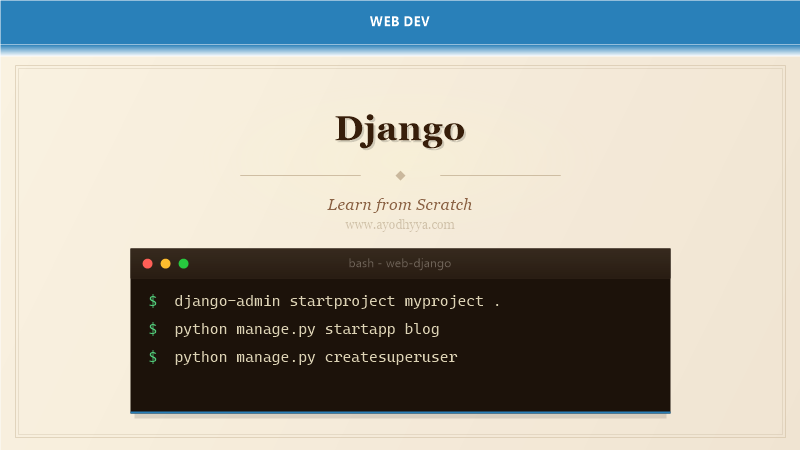
Django is a high-level Python web framework that follows the batteries-included philosophy, providing everything you need to build robust web applications out of the box. Created in 2005 by Adrian Holovaty and Simon Willison at the Lawrence Journal-World newspaper, Django has grown into one of the most popular web frameworks powering sites like Instagram, Pinterest, and Mozilla.
Django emphasizes reusability and rapid development with its DRY (Don't Repeat Yourself) principle. It includes an ORM, admin interface, authentication system, template engine, and security protections against SQL injection, XSS, and CSRF — all by default.
Django Models and the ORM
Django's Object-Relational Mapper (ORM) is the bridge between your Python code and the database. Instead of writing raw SQL, you define Python classes that inherit from django.db.models.Model. Each class maps to a database table, and each attribute maps to a column. Django automatically generates the schema, handles migrations, and provides a rich query API.
Models support field types like CharField, IntegerField, ForeignKey, and ManyToManyField. You can define metadata within an inner Meta class and override the __str__ method. Run python manage.py makemigrations and python manage.py migrate to apply changes.
from django.db import models

class BlogPost(models.Model):
    title = models.CharField(max_length=200)
    content = models.TextField()
    published_date = models.DateTimeField(auto_now_add=True)
    author = models.ForeignKey('auth.User', on_delete=models.CASCADE)

    class Meta:
        ordering = ['-published_date']

    def __str__(self):
        return self.title

posts = BlogPost.objects.filter(title__icontains='Django')
URL Routing and Views
Django maps incoming requests to view functions using a URLconf. Each URL pattern is defined using path() or re_path() for regex-based routing. You can capture URL parameters with angle brackets — for example, <int:pk> captures an integer primary key.
Function-based views accept an HttpRequest and return an HttpResponse. Class-based views like ListView and DetailView handle common patterns with minimal boilerplate.
from django.urls import path
from . import views

urlpatterns = [
    path('', views.BlogListView.as_view(), name='blog-home'),
    path('post//', views.BlogDetailView.as_view(), name='blog-detail'),
    path('post/new/', views.BlogCreateView.as_view(), name='blog-create'),
]

from django.views.generic import ListView, DetailView

class BlogListView(ListView):
    model = BlogPost
    template_name = 'blog/home.html'
    context_object_name = 'posts'
Django Templates and Template Inheritance
Django's template engine renders dynamic HTML using variables in double curly braces and tags in curly brace-percent. Templates support filters, loops, conditionals, and inheritance through extends and block tags.
The static file system is managed via the static tag. Django includes a built-in template tag library for URLs, translations, and formatting. You can write custom template tags.
{% block title %}My Blog{% endblock %}
My Blog
{% block content %}{% endblock %}